DSH canvas · Empathy · v1 · 2026 · 45 minutes

The Empathy Canvas

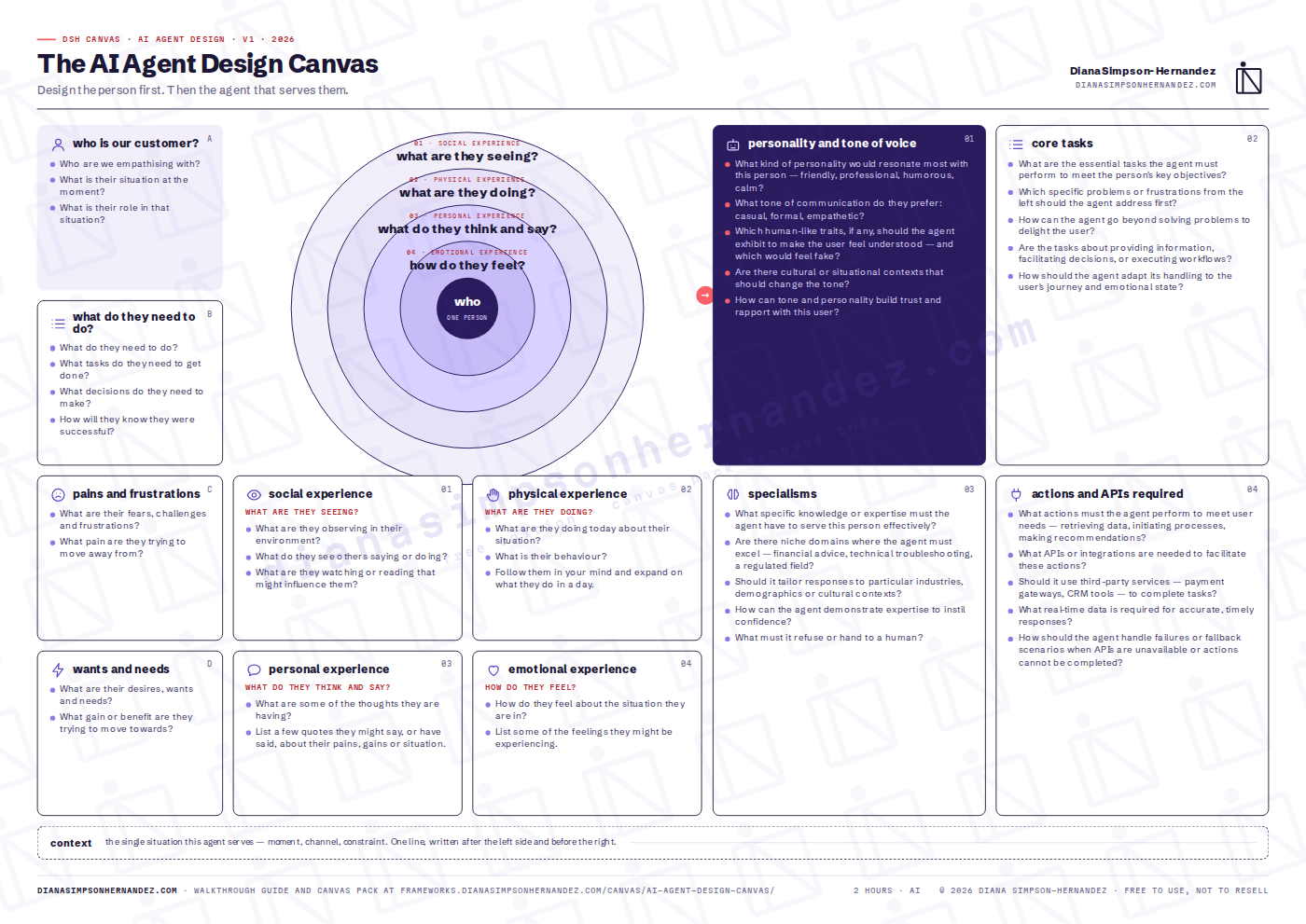
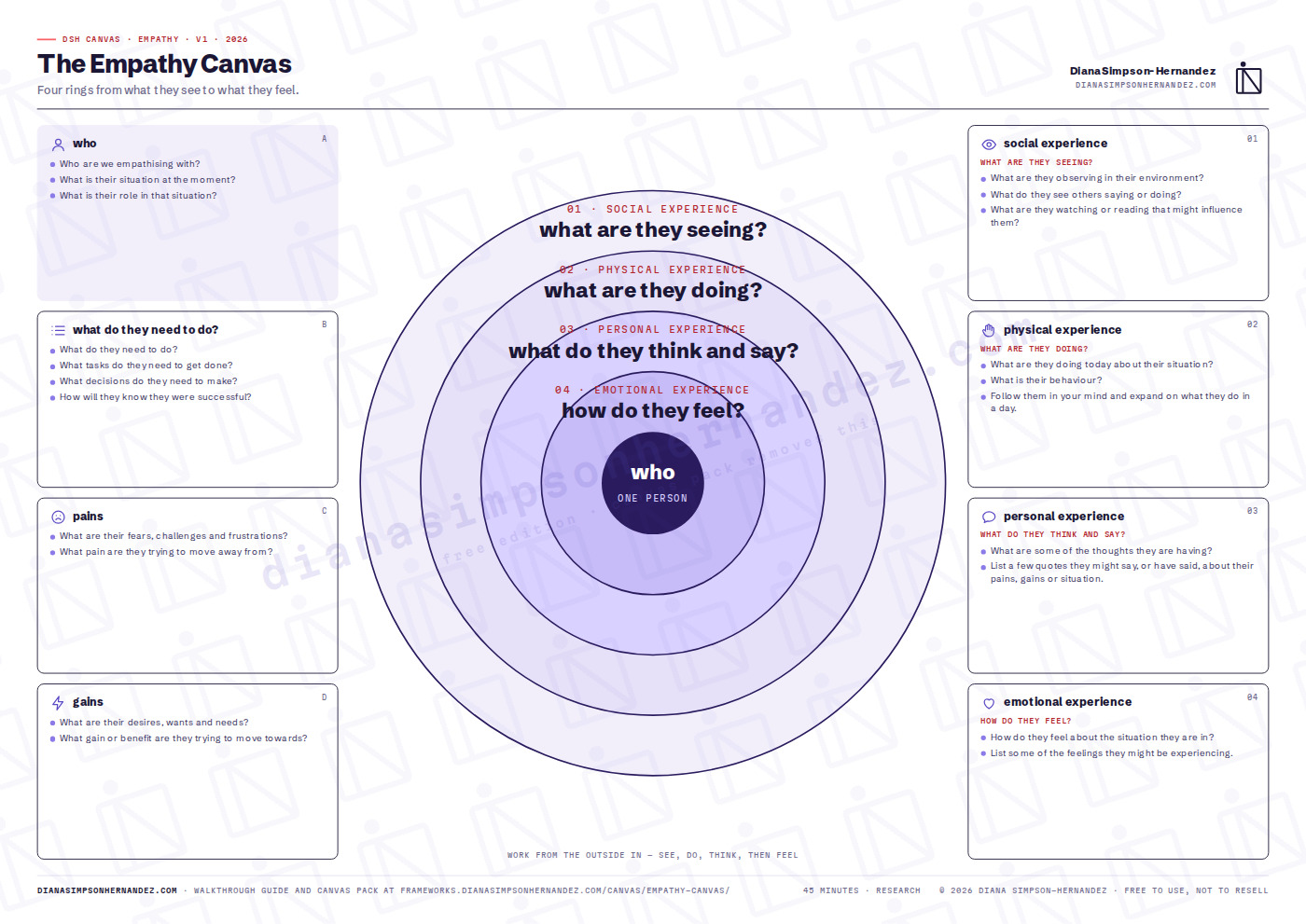
Four rings from what they see to what they feel. Who they are, what they need to do, their pains and gains — then four concentric rings of experience: social (what they see), physical (what they do), personal (what they think and say) and emotional (how they feel).

ResearchUXDiscoveryFree · watermarkedPack · clean + 4K PNG
The Empathy Canvas — preview
What it does

Why this canvas exists

The empathy canvas is a structured way to stand in one person's situation before you decide what to build for them. The left side establishes the facts — who they are, what they must get done, what they fear and what they want. The rings on the right move from the outside in: what the person sees around them, what they actually do, what they think and say, and finally what they feel. Working from the outside in matters. Teams that start with feelings guess; teams that start with observable behaviour earn the right to infer a feeling.

Reach for it when
  • Before any design or product decision that assumes you know the user.
  • When a team is arguing about what the customer wants and nobody has evidence.
  • As the first forty-five minutes of a discovery workshop, or as a synthesis tool after interviews.

Built for: Product, UX and service teams before they design anything — and founders who have never met their customer.

On the canvas

What you fill in

Work the boxes in the numbered order. The order is the method.

01

who

Who are we empathising with?

02

what do they need to do?

What do they need to do?

03

pains

What are their fears, challenges and frustrations?

04

gains

What are their desires, wants and needs?

05

social experience — what are they seeing?

What are they observing in their environment?

06

physical experience — what are they doing?

What are they doing today about their situation?

07

personal experience — what do they think and say?

What are some of the thoughts they are having?

08

emotional experience — how do they feel?

How do they feel about the situation they are in?

Get it

Free edition, or the pack

The free edition is the whole canvas — nothing held back except the watermark. The pack is for people who will run it more than once and want it clean, in Miro, with the full guide.

Free edition

Download and run it today£0

The full canvas at A3 with every prompt, and a two-page quick guide. Watermarked with the DSH mark, otherwise complete.

  • The Empathy Canvas — A3 PDF, watermarked
  • Quick guide — what it is, when to use it, the box-by-box short version
  • No email required

Print at A3 landscape. Or open the PDF in Miro / FigJam as a board background.

Box by box

The short version

The full guide in the pack adds what good looks like for each box, a worked example, the agenda and the mistakes.

01who — Name one real person or a composite built from at least three interviews. Write their situation and their role in it.
02what do they need to do? — List the tasks and decisions in their own words, then write how they would know they had succeeded.
03pains — Fears, frustrations, and the specific pain they are trying to leave behind.
04gains — Desires, wants, needs, and the benefit they are moving towards.
05social experience — what are they seeing? — What is in their environment, what others around them say and do, and what they read or watch that shapes them.
06physical experience — what are they doing? — Their actual behaviour today. Follow them through a day in your mind and write it down.
07personal experience — what do they think and say? — Thoughts and real or plausible quotes about the situation.
08emotional experience — how do they feel? — Only now, name the feelings — and tie each to something in the outer rings.
What next

After the canvas

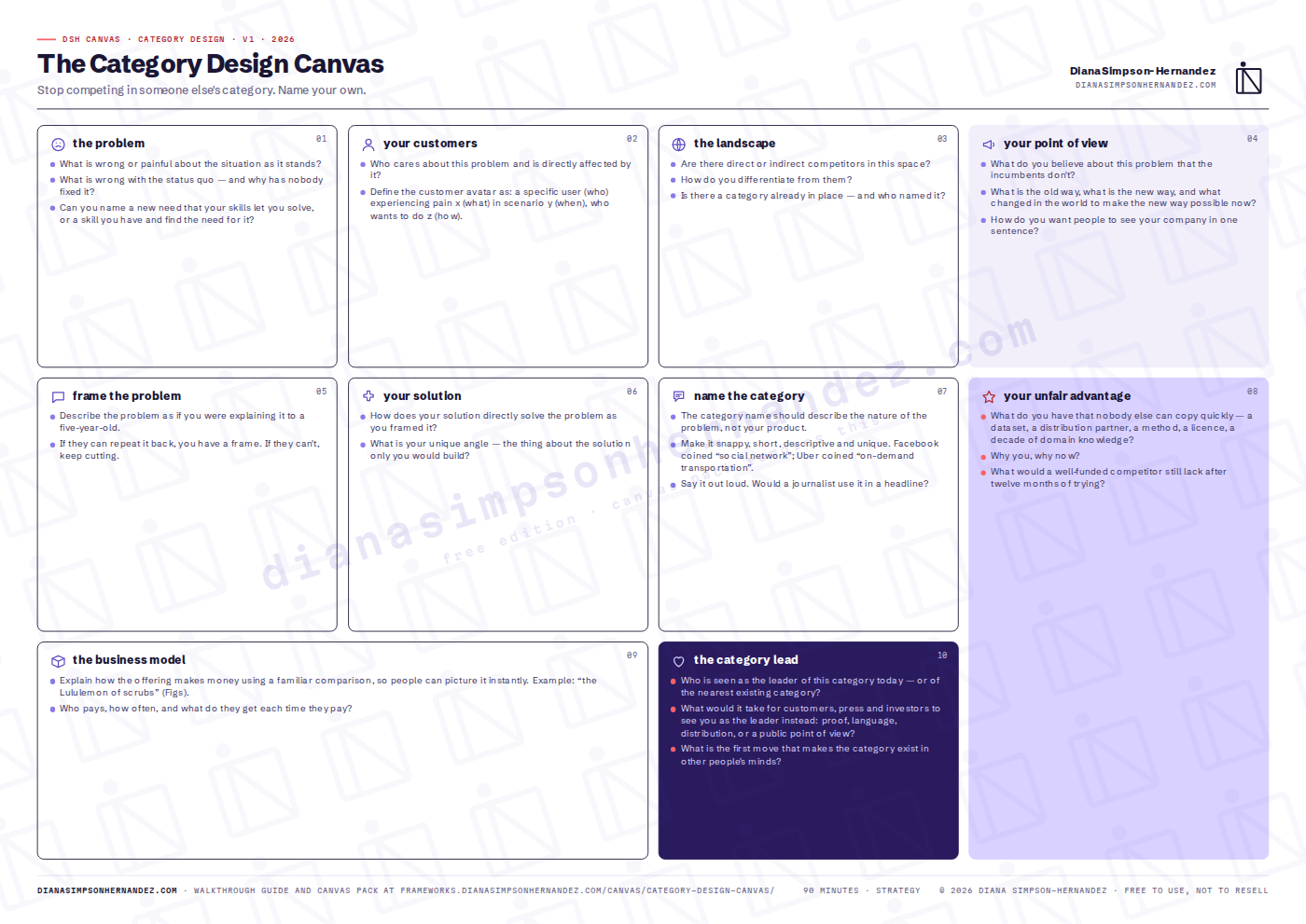
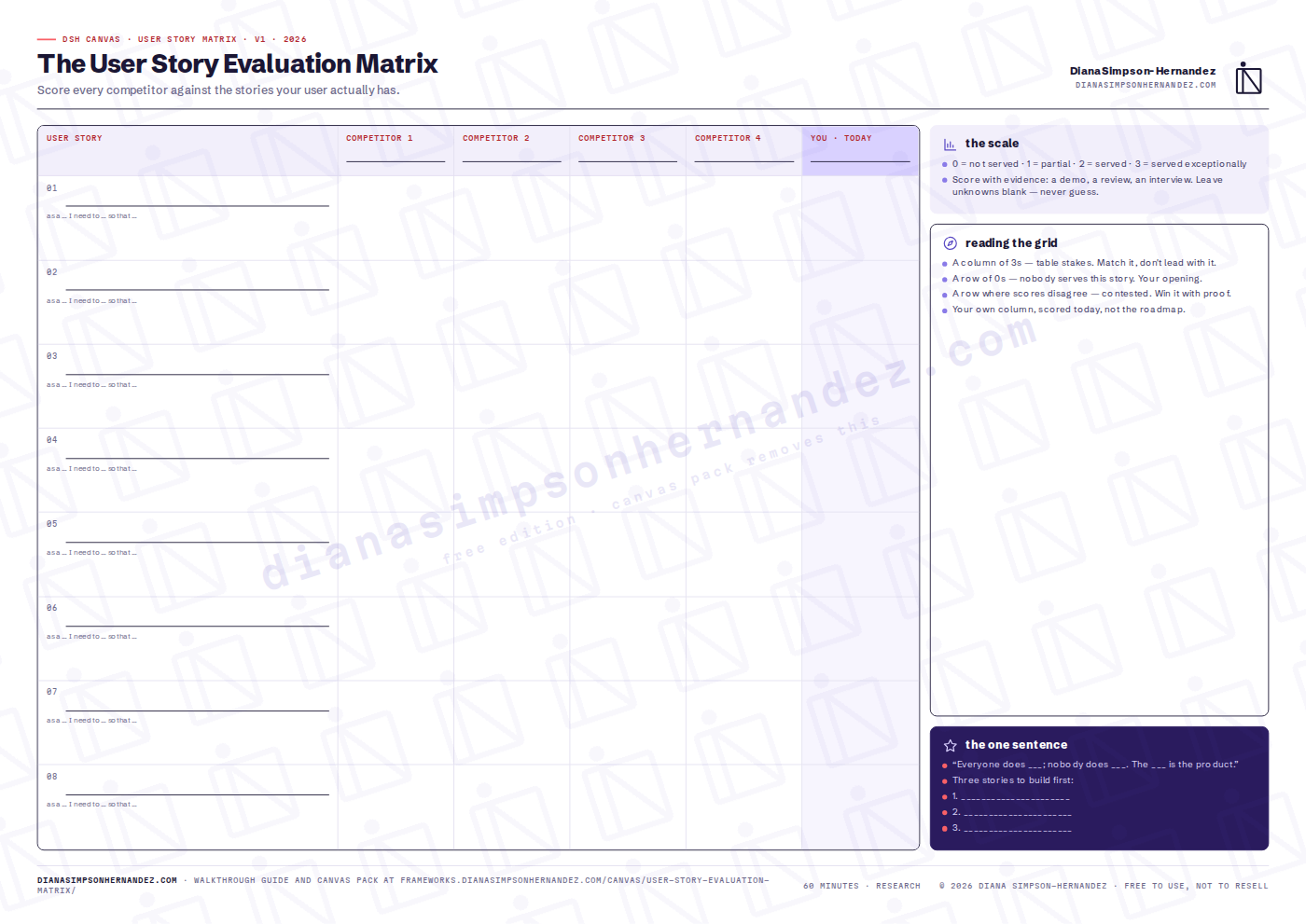
Take the pains, gains and the ‘what they need to do’ list into the User Story Evaluation Matrix, and the whole canvas into the AI Agent Design Canvas if the thing you are building talks back.

Can I use this with clients?

Yes — both editions. Run it in your workshops, your company and your client work. The one thing you can't do is resell the files or upload them to template marketplaces.

What does the watermark look like?

A light tiled DSH mark and the site address across the sheet. Prompts, boxes and layout are identical to the pack version. The preview above is the free edition.

Miro or FigJam?

The pack includes a 4K PNG of each canvas. Drop it on a board, lock it, and put sticky notes on top.

Do I get updates?

Pack buyers get every new version of every canvas by email. The free edition is always the current version on this page.

The collection

The other canvases